

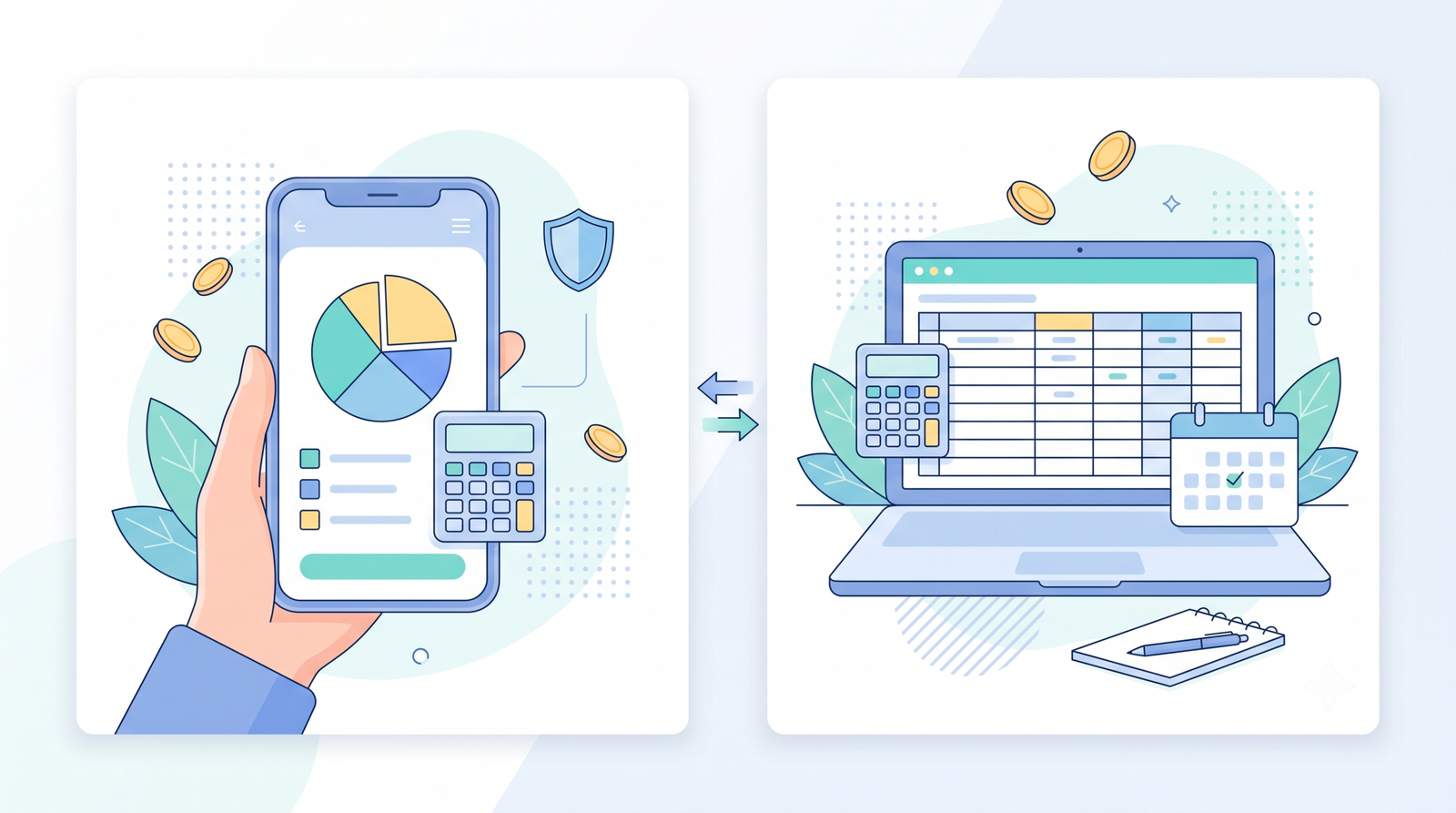

The Budgeting Tool Debate Nobody Tells You the Real Answer To
You’ve finally decided to get serious about your money. So you open your phone, search “best budgeting app,” and hit a wall of options — apps that cost $15 a month, free apps with ads, and endless YouTube videos telling you a spreadsheet is the only “real” way. Now you’re stuck before you’ve even started.
Here’s the honest truth: both budgeting apps and spreadsheets work. The tool is never the problem — the problem is picking one that doesn’t match how you actually live. An app you abandon after two weeks is worse than no budget at all. So instead of telling you one is “better,” this guide breaks down exactly how each method works, what it costs, where each one falls short, and how to choose the one you’ll actually stick with in 2026.
Why Both Budgeting Apps and Spreadsheets Actually Work
Before we compare them, it’s worth understanding why both methods genuinely work for real people. It’s not magic — it’s that they both force you to do the one thing that makes budgeting effective: look at your money on a regular basis.
Budgeting fails when it’s a one-time event. The people who succeed don’t have a magical tool — they have a routine. An app and a spreadsheet both give you a place to track income, spending, and goals. The difference is entirely about how you prefer to interact with your money. If you haven’t yet set up your actual spending categories, start with our complete step-by-step guide to budgeting your money first — the tool only works once you have a plan to track.
So the real question isn’t “which is better?” It’s “which one fits your habits, your budget (pun intended), and your comfort with technology?” Let’s look at each honestly.
Budgeting Apps: Pros and Cons
Apps have exploded in popularity because they remove almost all the manual work. If you’ve ever tried to keep up with a budget by hand and given up, an app might be exactly what you need.
The Pros
- Automation is built in. Most apps connect to your bank and credit card accounts and categorize transactions automatically. You don’t have to type in every coffee you buy — the app does it.
- They’re accessible anywhere. Your budget lives on your phone, so you can check it at the grocery store before you spend, not just at your desk on Sunday.
- Visual feedback keeps you motivated. Charts, progress bars, and alerts when you’re close to a category limit make the abstract act of budgeting feel concrete.
- Goal tracking is simple. Many apps let you set savings goals (like an emergency fund) and show your progress in real time.
The Cons
- Privacy concerns are real. To auto-categorize, the app needs your bank login via a service like Plaid. You’re giving a third party access to read your transactions. This is the #1 reason some people avoid apps entirely.
- They often cost money. The best-known apps charge $8–$15/month. That’s fine if it keeps you consistent, but it’s a real cost — and ironic for a savings tool.
- Connection errors happen. Bank accounts occasionally disconnect, and if the app can’t reach your bank, your “automatic” budget needs manual fixing.
- Less control over the details. Apps categorize transactions their way. You might spend 20 minutes re-categorizing what the app got wrong.
Spreadsheets: Pros and Cons
A spreadsheet is the “old school” method that’s quietly having a renaissance — partly because of privacy fears and partly because people like the total control it gives them.
The Pros
- It’s 100% free. Google Sheets or Excel costs you nothing (or is already on your computer). No subscription, no premium tier, no ads.
- Complete privacy. Nobody sees your financial data. It lives on your computer or your own Google account. For privacy-conscious people, this is a dealbreaker difference.
- Total control and flexibility. You build it exactly how you want. Need a column for one-time pet expenses? Add it. Want to color-code by month? Go ahead. Nothing is fixed.
- You learn your numbers deeply. Because you’re entering and categorizing every transaction yourself, you understand your spending patterns far better than someone who lets an app do it.
The Cons
- It’s manual and time-consuming. You (or your partner) have to enter every expense by hand. If you stop updating it for a week, it becomes inaccurate fast.
- No automatic categorization. There’s no AI sorting your transactions. You are the AI.
- Steeper learning curve. Building formulas, dropdowns, and formatting isn’t hard once you learn, but the first setup takes effort. Templates help, but they’re not plug-and-play like an app.
- Easy to break or make mistakes. One wrong formula or a deleted column can throw off your whole sheet if you’re not careful.
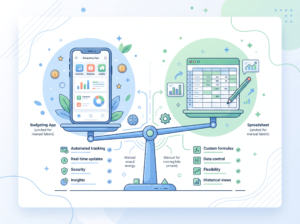
Budgeting Apps vs Spreadsheets: Side-by-Side Comparison
| Factor | Budgeting Apps | Spreadsheets |
|---|---|---|
| Cost | $0–$15/month (free tiers often limited) | Free |
| Privacy | Requires bank login access | Complete privacy |
| Setup time | Fast (connect accounts, done) | Slow (build the sheet first) |
| Daily effort | Very low (mostly automatic) | High (manual entry) |
| Real-time accuracy | High, when connected | Depends on your discipline |
| Customization | Limited to app’s design | Unlimited |
| Learning curve | Very low | Medium |
| Best for | Busy people who want hands-off | Privacy-focused, detail-oriented people |
| Offline access | Usually needs internet | Works offline |
How to Choose: A Simple 4-Step Decision Process
Instead of agonizing over reviews, walk through these four questions. Your answers will tell you which method to pick.
Step 1: How much do you value your privacy?
If the idea of a third-party service reading your bank transactions makes you uncomfortable, that settles it — go with a spreadsheet. If you’re fine with it and want the convenience, an app is viable.
Step 2: Are you willing to spend 15 minutes a week on manual entry?
A spreadsheet needs consistent hands-on time. If you know you won’t do it, a spreadsheet will become stale and useless. If you enjoy the control and don’t mind the effort, it’s a great fit.
Step 3: Do you want automation or deep understanding?
App = automated and convenient, but you’re slightly disconnected from the details. Spreadsheet = more work, but you’ll know every dollar intimately. Neither is wrong — it’s about what you want from the experience.
Step 4: What’s your budget for this tool?
If money’s tight and you’re trying to save, paying $12/month for an app might feel counterproductive. A spreadsheet is free — which, when you’re building an emergency fund from zero, actually matters. (Not sure how much to save? Our emergency fund guide covers exactly what you need to build one fast.)
A pro tip: you don’t have to pick only one forever. Many people start with a spreadsheet to understand their spending, then move to an app once they trust the categories — or vice versa. Your method can evolve with your life.
Common Mistakes People Make With Budgeting Tools
Whichever you choose, avoid these pitfalls:
- Choosing a tool before setting up a budget. A tool tracks money — it doesn’t create your plan. You still need to decide your spending categories, and a framework like the 50/30/20 rule is a fast way to set your needs, wants, and savings splits before you touch any tool.
- Letting the tool replace the habit. Neither an app nor a spreadsheet works if you never open it. Check your budget at least weekly, no matter the tool.
- Paying for an app you don’t use. If you’ve signed up for a premium subscription but never open it, cancel it today.
- Over-engineering your spreadsheet. A sheet with 20 tabs and complex formulas you don’t understand is harder to maintain, not better. Keep it simple.
- Switching tools constantly. Every time you switch, you lose momentum. Pick one, commit for 90 days, and only change if it genuinely isn’t working.
Real-World Example: Same Budget, Two Tools, Different People
Let’s see how this plays out for two real people with the same monthly budget.

Priya (the app user): Priya is busy, travels for work, and doesn’t want to think about money daily. She picked a budgeting app, linked her accounts, and set up automatic category limits. Every time she’s about to overspend on dining out, her phone pings a warning. It costs her $10/month, but it keeps her on track with almost zero effort. For her, the cost is worth the automation.
Marcus (the spreadsheet user): Marcus is privacy-focused and detail-oriented. He built a clean Google Sheet with color-coded categories and a running monthly total. He spends 20 minutes every Sunday morning entering the week’s expenses. He knows his spending habits better than anyone, and he pays nothing for the tool. For him, the manual work is the point — it keeps him honest.
The takeaway: Neither Priya nor Marcus is “wrong.” They chose tools that match their personalities and lifestyles. That’s exactly why the “best” budgeting tool doesn’t exist — only the best tool for you.
Frequently Asked Questions
Are budgeting apps safe to connect to my bank?
Reputable apps use encrypted connections through services like Plaid, which is used by major financial institutions. It’s generally safe, but it does mean a third party can read your transaction data. If you’re uncomfortable with that, a spreadsheet avoids the issue entirely.
Is a spreadsheet a real budget?
Absolutely. A budget is just a plan for your money — the format doesn’t matter. A spreadsheet is a legitimate, highly effective budgeting method used by many people who want full control and privacy.
Can I use both a budgeting app and a spreadsheet?
Yes, and some people do. A common setup is using a spreadsheet for detailed annual planning and an app for daily tracking. Just avoid making it so complicated you lose momentum.
Do I have to pay for a budgeting app?
No. Many good apps have free tiers, and a spreadsheet is completely free. The paid apps add automation and premium features, but you can absolutely budget well for $0.
How often should I update my budget?
At least weekly. If you’re using a spreadsheet, that’s your manual entry time. If you’re using an app, it’s mostly automatic, but you should still review your spending weekly to spot trends and adjust.
Key Takeaways
- Both methods work — the best one is the one you’ll actually stick with.
- Apps = automated, convenient, cost money, and require bank access.
- Spreadsheets = free, private, fully customizable, but require manual effort.
- Pick based on your privacy comfort, available time, and willingness to pay.
- The habit matters more than the tool — check your budget weekly, whatever you use.
- You can switch later. Start with one, commit for 90 days, and adjust as your needs change.
The tool you choose won’t make or break your finances — your consistency will. Whether you connect an app to your accounts or build a spreadsheet from scratch, the point is to look at your money regularly and make intentional choices. Start there, and refine the tooling later.
Ready to build the plan behind the tool? First, read our complete step-by-step guide to budgeting money so your app or spreadsheet has real categories to track. Then use the 50/30/20 rule to set your needs-vs-wants splits. And whatever tool you pick, remember it’s only useful if it helps you grow a real emergency fund — that’s the foundation everything else stands on. This article is for informational purposes only and is not financial advice.